Activity (CRM) Filter
Find companies that have been inactive in your CRM for a while and revive them
Updated November 24, 2026
The Activity (CRM) filter helps you find companies in your connected CRM based on the date of their most recent activity. It’s a great way to identify accounts that may need attention or re-engagement.
⚠️ Note: For subscriptions started before February 2026, the Activity (CRM) feature is included in Professional plans and above. For subscriptions started after February 2026, this feature is not included by default and is available as an add-on. To enable it or learn more, please contact Ocean.io Support.
What You’ll Need
Before you start, make sure your CRM is connected to Ocean. We support the following integrations:
- HubSpot
- Salesforce
- Pipedrive
- Attio
Once connected, Ocean combines your CRM data with our extensive company and contact insights to help you discover new opportunities within your existing database.
How to Use the Activity (CRM) Filter
Open Search in Ocean.
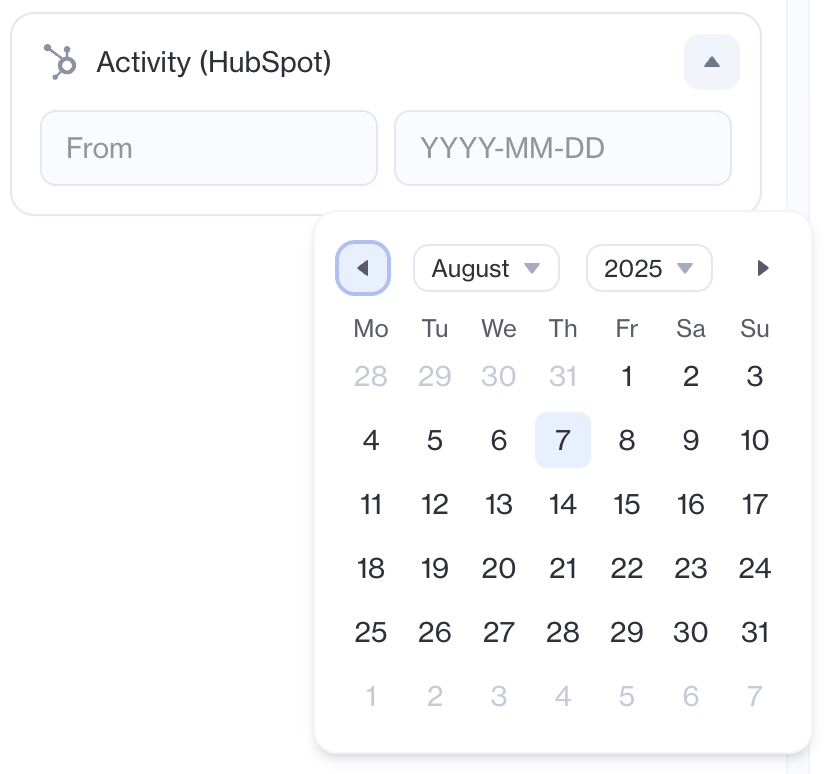
Under filters, select Activity (CRM). In the app, it shows the name of your CRM, for example Activity (HubSpot).
Choose a date range by setting the “From” and “To” fields.
- From shows companies whose most recent activity is on or after that date.
- To shows companies whose most recent activity is on or before that date. The To day is included.
- The filter only looks at each company's most recent activity. If you set both, that date must fall between From and To.
Review the results to find accounts that may be due for follow-up or re-engagement.
Activities are the interactions logged on a company in your CRM. For this filter only calls, meetings and emails count. In Salesforce, a task counts when it is a call, an email or a meeting. Events count too. Activity on a company's deals counts as activity on the company. Activity with a date in the future, such as a scheduled meeting, does not count yet.
Notes and plain tasks do not count as activities.
Attio shares only notes and tasks with Ocean. Because of that, Attio companies do not match this filter.
Tips for Best Results
- Many sales teams have internal rules stating that prospects are “up for grabs” if they haven’t been contacted within a certain period.
- Use the "To" date to find companies whose last activity was before a certain date. A company with newer activity does not match, so this finds companies that have gone quiet. Companies with no activity at all never match.
- Combine this filter with others, such as Headcount Growth or Lookalike, to identify promising, re-engagement-ready companies.
Why Use It?
The Activity (CRM) filter helps you:
- Keep track of engagement levels across your CRM.
- Identify neglected accounts that may be ready for follow-up.
- Reconnect with prospects before they go cold.