Boosts: change how a signal counts in each segment
Managers can make a signal count half or double in a single segment from the Models tab.
Updated November 25, 2026
Boosts change how much a signal counts in one segment. A signal is a value in your scoring model, such as an industry or a technology. A boost changes Company fit, so it moves the Score and the tier of the companies in that segment. See Score definitions for how the scores work.
Boosts need Segmentation, which is turned on for your whole organization. Managers and admins can change boosts. Other people can open the page and look.
Open the Boosts page
- Open Discovery and select the Models tab.
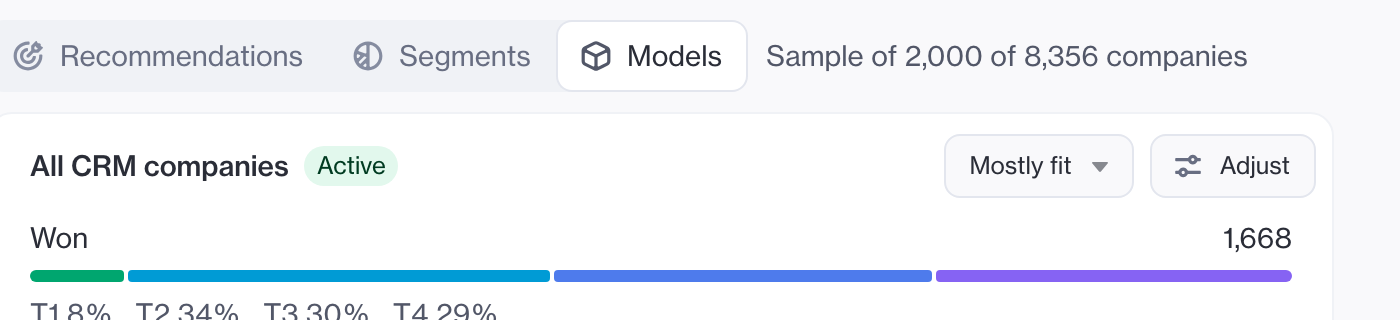
- On the active model, select Adjust. It sits next to the Score balance list. Models that are not active do not have it.
- The Boosts page opens. Select Back to model to return.
Read the grid
Each row is a signal from the model. Each column is a segment. The value in a cell sets how much that signal counts in that segment, compared with the other signals. A signal that counts against a company changes the same way.
Ocean sets every value from how many of the segment's companies have the signal:
- 2x: the signal counts double. Some of the segment's companies have it, so it helps rank them.
- 1x: the signal counts as set in the model. Almost every company in the segment has it (95% or more), so it doesn't tell them apart.
- 0.5x: the signal counts half. No company in the segment has it.
This is Ocean's pick. It follows the data, so it can move when the segment's companies change.
Change a value
- Select 0.5x, 1x or 2x in a cell.
- A dot marks a value you changed. Hover the dot to see Ocean's pick.
- To go back, select Ocean's pick in that cell.
Lock a value
Hover a cell and select the lock next to it to keep the value where it is. A locked value stays put when Ocean scores the segments again. Select the closed lock to unlock it. A changed value is always locked. Unlocking it puts it back to Ocean's pick.
Reset every change
Select Reset to defaults above the grid. Ocean asks you to confirm. Then every changed and locked value in this segmentation goes back to Ocean's pick.
What happens after a change
- Your edits save when you stop clicking for about 5 seconds or when you leave the page.
- Company scores in the segmentation then update within a few minutes. Recommendations rerank after that.
- Each model keeps its own values. Changes don't carry over when you apply another model.
If you see "No boosts saved yet"
Ocean saves boosts when it scores the segments. A segmentation that was scored before boosts were added has none saved yet. A manager sees a Score again button. It scores the segments again so the grid can fill in. Scores can shift a little afterward, because boosted signals now always count double. Other people see the grid after the next scoring.
Related articles: Score definitions, Discovery and Segmentation scoring.