Lookalike markets: find companies like a few examples
Start from 1 to 50 example companies and let Discovery find and rank lookalikes. Needs the Segmentation add-on.
Updated November 25, 2026
A lookalike market finds companies that look like a few example companies you pick. You don't need a CRM or a list of 50 domains. Discovery finds lookalikes of your examples. Then it ranks them with a scoring model or by how closely they resemble your examples.
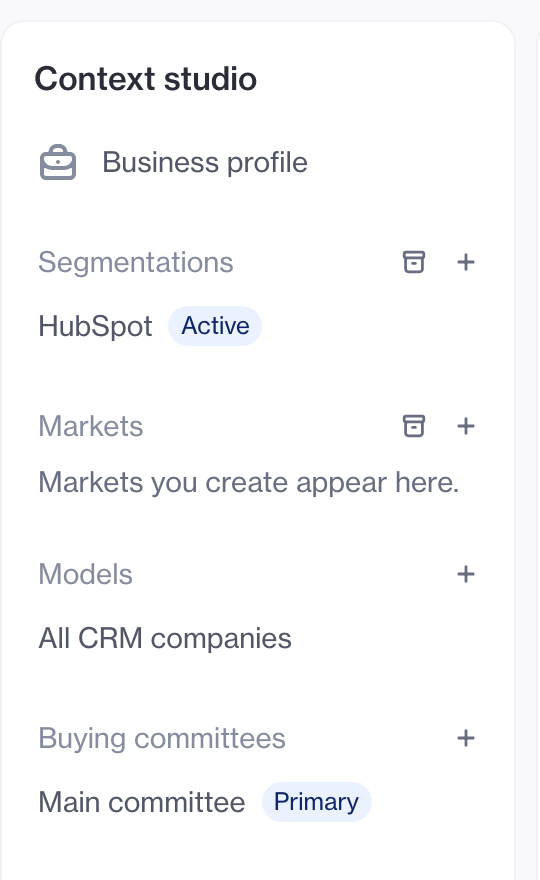
Lookalike markets need Segmentation, which is turned on for your whole organization. If you don't see the Markets section in Context studio, ask your account manager.
Market or segmentation?
- A segmentation starts from companies you already have, such as your CRM, a CSV or a list of at least 50 domains. It splits them into segments and shows CRM figures for each segment.
- A market starts from 1 to 50 example companies. It is one group with no segments and no CRM figures per segment. It has no Score balance, because it ranks by the model alone.
A market does not use up your segmentation limit. See Using Segmentation for segmentations.
Start a market
There are three ways in:
- In Context studio, select the + next to Markets in the list on the left.
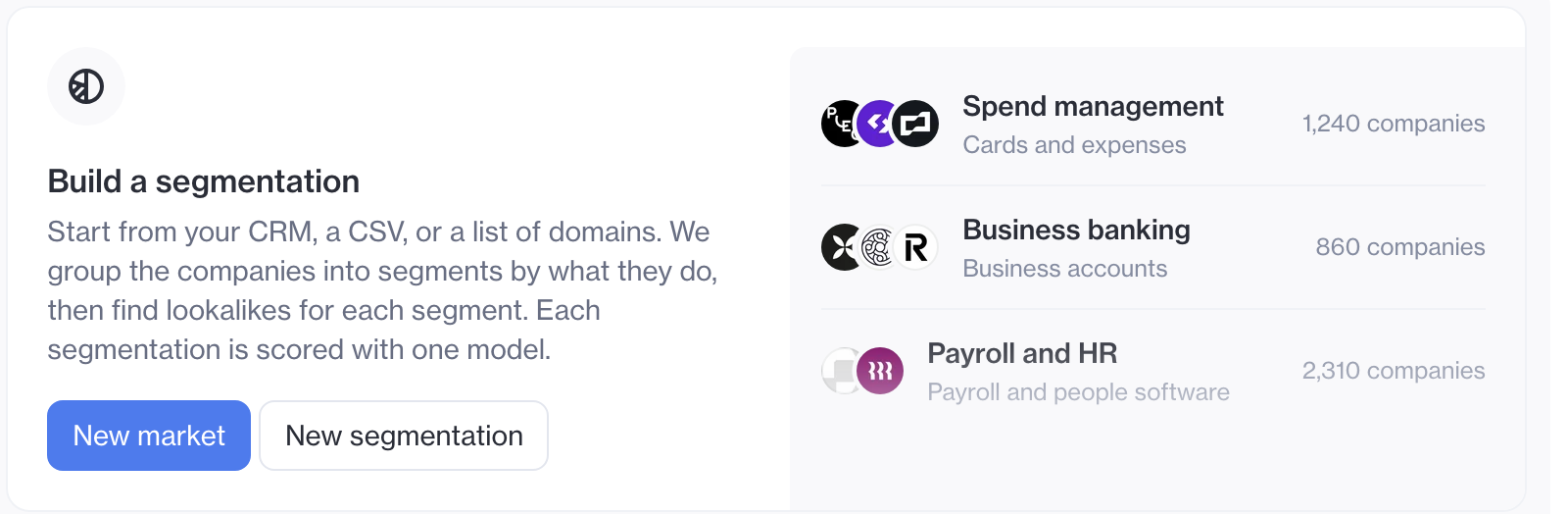
- On an empty Context studio, select New market on the Build a segmentation card.
- Open the command menu with Cmd+K (Ctrl+K on Windows) and choose Create lookalike market.
The four steps
- Name the market: a product, a region or a type of buyer you want to go after. For example, Nordic fintech.
- Add companies to find more of: choose 1 to 50 example companies. Type a domain or a company name and pick a match. Or select Upload a CSV. Recommendations depend on the website data available for these companies. A yellow note tells you when some examples have limited data.
- Pick a lead score model: choose Use an existing model to rank the lookalikes with a model from your library. Choose Don't use a model to rank them only by how closely they resemble your examples. You can add a model later on the Models tab.
- Narrow the market (optional): only recommend companies of a certain size or country. You can limit company size, employees on LinkedIn, team size and headquarters. Keep it broad, because the model does the ranking.
Select Create market when you are done. Discovery opens on the new market.
The preview
As you fill in the steps, a preview on the right shows how many cached lookalikes your examples have. It shows up to 50 example matches too. The count says "inside your limits" when you set limits. The final recommendations in Discovery can differ a little from the preview.
If your limits match more than 500,000 companies, a Broad market note appears. Some matching lookalikes may be missed in that case, so tighten the limits.
Work with a market in Discovery
- Discovery shows a Market tab in place of Segments. Open it to change the name, the examples, the model or the limits. Saving a change finds the lookalikes again.
- Recommendations has no Segment column. It has no Score column either when the market has no model.
- The Models tab has no Score balance. The recommended companies are the closest lookalikes, ranked by the model.
- Your example companies are left out of the recommendations. So are companies that are already active in your CRM.
- The Recommendations workflow step can draw from a market. See Recommendations.
Archive a market and the limit
To archive a finished or failed market, open the three-dot menu next to it in Context studio and choose Archive. The archive button above the Markets list shows your archived markets. Archived markets and drafts don't count toward the limit.
Your organization can have up to 10 active markets by default. If you reach the limit, archive one or contact [email protected].
Related articles: Context, Discovery and Score definitions.